Problem
When you want to compare how three different database engines handle the same analytical workload, the friction starts before the first benchmark. MySQL uses one client and connection model, Amazon Redshift speaks PostgreSQL wire protocol over a columnar warehouse, and MongoDB doesn’t speak SQL at all; it expects JSON-shaped find() filters and aggregation pipelines. Switching between three shells, rewriting the same question in two query languages, and hand-copying results into spreadsheets makes side-by-side comparison slow and error-prone.
We built this web application for a graduate database systems course at Rutgers to put all three engines behind a single SQL workbench loaded with the Instacart Market Basket Analysis dataset on AWS. The goal was straightforward: let a user pick MySQL, Amazon Redshift, or MongoDB from one screen, write standard SQL once, see the exact execution time and tabular output in the browser, and export the result as CSV without touching a driver or rewriting queries for NoSQL.
Architecture
The entire dataset starts in an AWS S3 bucket, where the Instacart CSV files were staged and loaded into three separate AWS backends: a managed MySQL instance on RDS, an Amazon Redshift cluster, and a self-hosted MongoDB instance running on EC2 alongside the Flask web app.
At query time, every request follows the same path through app.py:
- Web form (
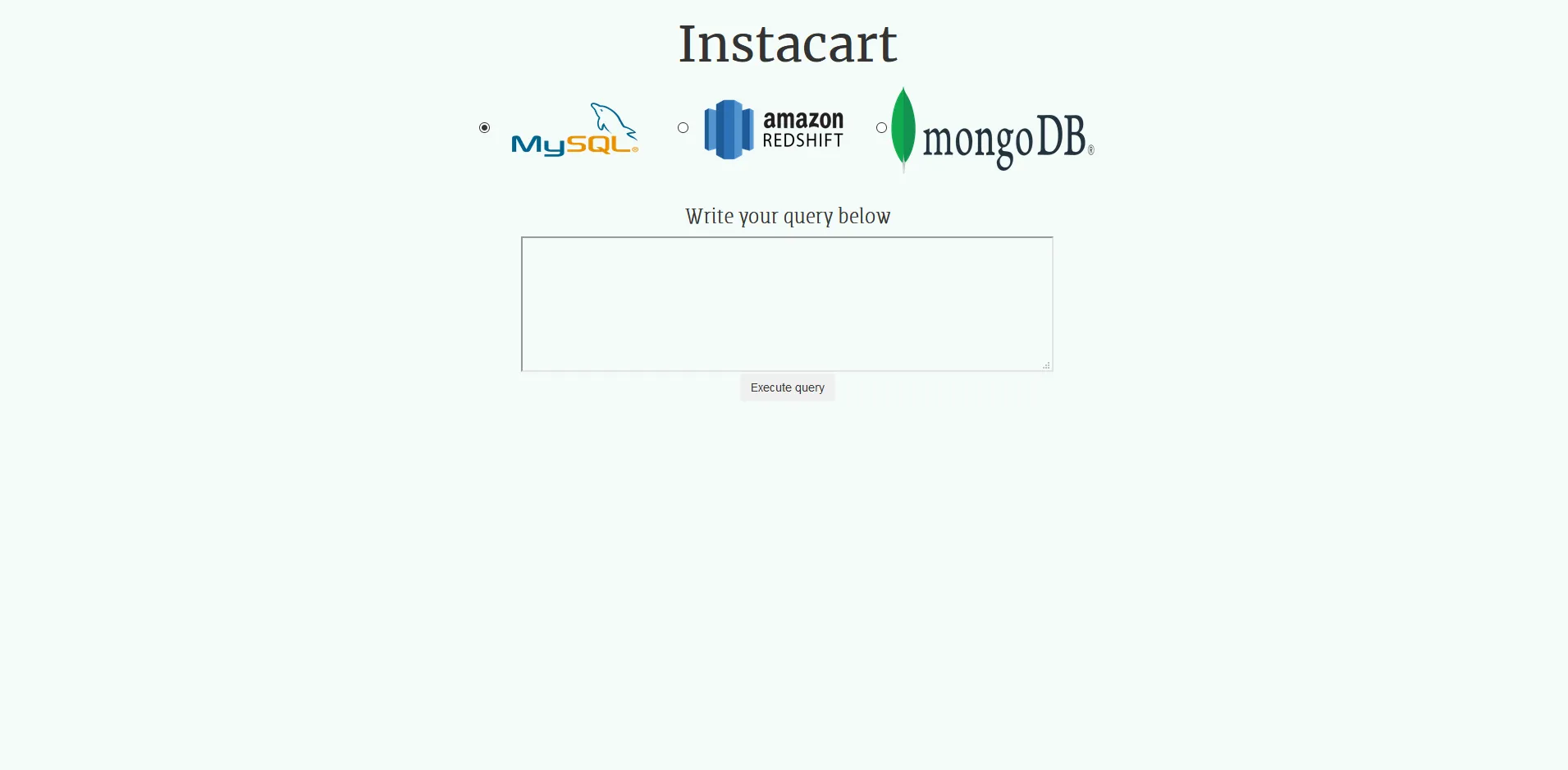
POST /). The browser renders three radio buttons (mysql,redshift,mongodb) and a SQL textarea. Submitting the form sends both the selected engine and the raw SQL string to Flask. - Flask router (
01). Flask recordslast_query, branches on the selected engine, opens a driver connection to that backend, and starts a wall-clock timer (time()) immediately before callingcur.execute(query_con). - Engine connectors.
- MySQL (AWS RDS) connects through
pymysqlon port3306withCLIENT.MULTI_STATEMENTSand autocommit enabled. - Amazon Redshift connects through
psycopg2on port5439using PostgreSQL’s wire protocol. - MongoDB (AWS EC2) connects through
pyodbcand the Devart ODBC Driver for MongoDB on port27017. The driver translates incoming SQL into MongoDB operations under the hood and returns a standard DB-API cursor.
- MySQL (AWS RDS) connects through
- Result normalization (
02). All three drivers expose Python DB-API 2.0 cursors, so Flask inspectscur.descriptionand the row count to classify the outcome, builds apandas.DataFramewith column names, stops the timer, and serializes the table to CSV in memory. - Render and export (
03). Flask renders the HTML table with row numbering, displays the elapsed time and last executed query, and exposesGET /getPlotCSVto downloadoutput.csv.
Three edge-case paths branch off the main flow:
- Invalid SQL or connection errors are caught by a top-level
try/exceptaround the execution block, returning an inline error banner while keepinglast_queryvisible so the user can edit and retry. - DDL and DML statements (
CREATE,INSERT,UPDATE,DELETE) havecur.description is None. Instead of failing onfetchall(), Flask returns a"Query Executed"status message (and affected row count on MySQL) with no table. - Zero-row
SELECTqueries have column metadata incur.descriptionbut no data rows; Flask renders the table header and an empty CSV rather than crashing on DataFrame indexing.
Approach
One SQL interface over relational and document stores
Rather than writing a fragile custom SQL-to-MongoDB parser that would break on joins, GROUP BY, or nested predicates, we used pyodbc with the Devart ODBC Driver for MongoDB. That choice kept the MongoDB path structurally identical to MySQL and Redshift inside Flask: the same cur.execute() call, the same cur.description metadata, and the same cur.fetchall() loop.
The one subtle difference was row shape. While pymysql and psycopg2 return sequences of tuples that pandas.DataFrame accepts directly, pyodbc returns pyodbc.Row objects that need to be unpacked before constructing a DataFrame:
elif option == "mongodb":
    con = pyodbc.connect(
        "DRIVER={Devart ODBC Driver for MongoDB};"
        + f"Server={server};Port={port};Database={database}",
        autocommit=True,
    )
    cur = con.cursor()
    tic = time()
    r = cur.execute(query_con)
    if cur.description is not None and r != 0:
        columns = [col[0] for col in cur.description]
        rows = [list(row) for row in cur.fetchall()]
        df = DataFrame(rows, columns=columns)
That single list(row) conversion was the difference between a cryptic pandas shape error and a clean table showing MongoDB’s _id ObjectIds alongside the Instacart fields.
Handling all four DB-API cursor states
A naive SQL runner assumes every query returns rows. In practice, users run CREATE TABLE, INSERT, filtered SELECTs that match nothing, and full SELECTs; each DB-API driver signals those states slightly differently. In app.py, we split execution into four explicit states based on (cur.description, r):
description is not Noneandr != 0: fetch all rows, build a 1-indexed DataFrame, and enable CSV export.description is not Noneandr == 0: build an empty DataFrame with column names only so the schema still renders.description is Noneandr != 0: DML statement that modified rows; report the affected row count.description is Noneandr == 0: DDL statement or zero-impact write; confirm execution without rendering a table.
Keeping the web tier thin
The frontend is plain server-rendered HTML with Bootstrap styling and a single POST form: no client-side framework and no build pipeline. Flask times only the database execution window (tic right before cur.execute, toc after commit and close), not template rendering, so the elapsed time printed under the query box reflects actual query and round-trip latency across RDS, Redshift, and EC2.
Results
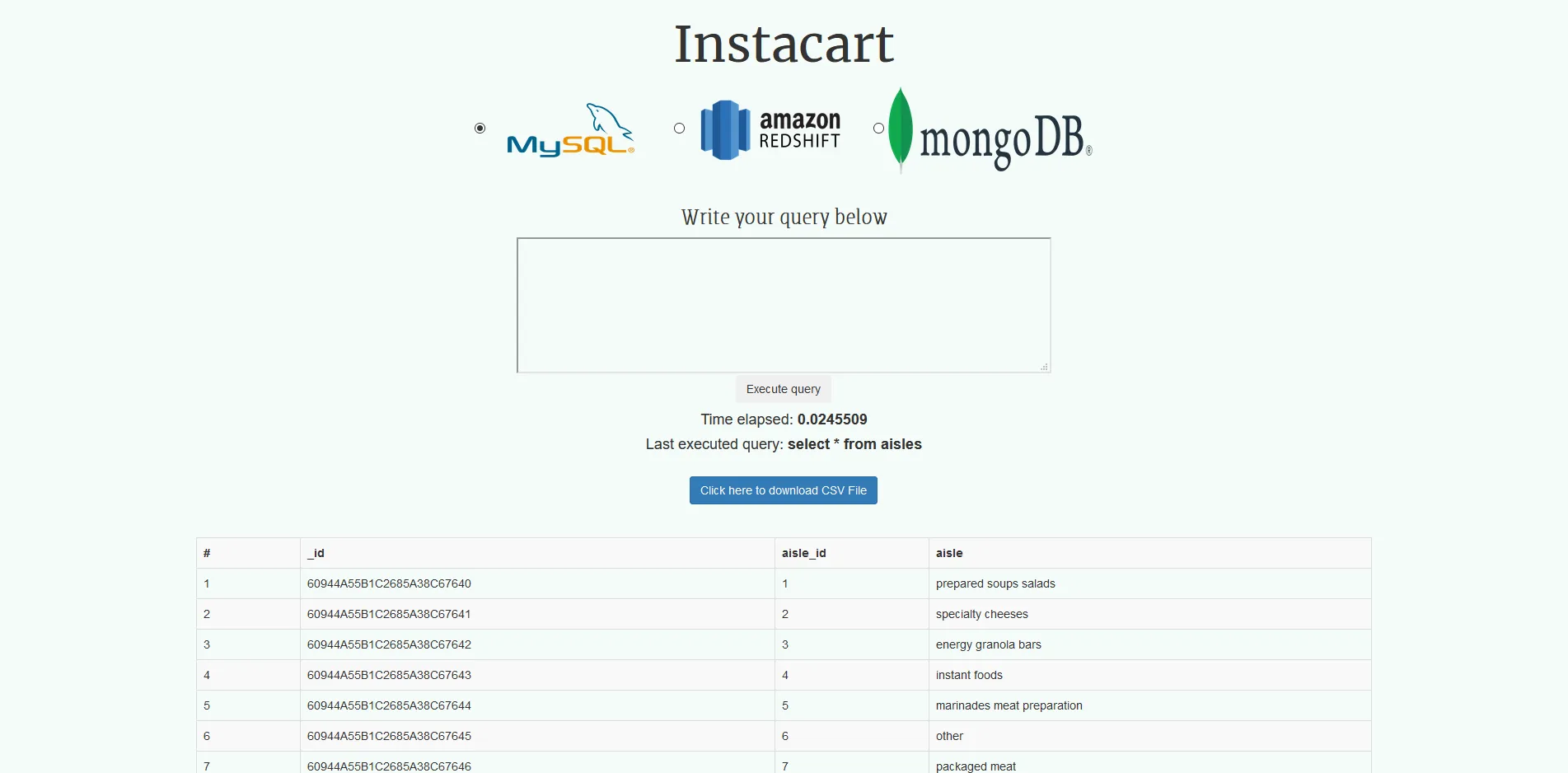
The application successfully ran the same SQL queries against all three AWS backends loaded with the Instacart dataset, displaying execution time to seven decimal places, the last executed query, a numbered results table, and a downloadable output.csv.
The screenshot at the top of this page captures a real run of select * from aisles against MongoDB: the Devart ODBC driver translated the SQL query, returned the aisles collection with each document’s _id ObjectId alongside aisle_id and aisle, and completed in 0.0245509 seconds. Switching the radio button to MySQL or Redshift runs the exact same SQL string against RDS or the Redshift cluster without changing a character.
There is no live demo today (the AWS RDS, Redshift, and EC2 instances were torn down after the course ended to avoid ongoing cloud bills), so the source repository and these two captures document the running system.
What I learned
- DB-API 2.0 is a great seam, until the edge cases. Sharing
execute(),description, andfetchall()acrosspymysql,psycopg2, andpyodbcmade the router small, but each driver still diverged in row types (pyodbc.Rowvs. tuples), return values fromexecute(), and multi-statement handling. Testing all four cursor states on every backend mattered more than the happy path. - Never store per-request state in module globals. In
app.py,csv_fileandlast_querylived in module-level globals so/getPlotCSVcould serve the last query’s output. That worked for a single-user course demo, but under concurrent users one request would overwrite another’s CSV. In production, I would keep export payloads in a short-lived cache keyed by request ID or re-stream the query. - Keep credentials out of source and bound untrusted queries. Hard-coding database hostnames and passwords inside
app.pyand passing raw SQL directly from a web form is fine only on an ephemeral student cluster; any real deployment needs environment-injected secrets, read-only database roles, connection pooling, and query timeouts. - Standardizing on ODBC buys speed of integration at a licensing cost. Using the Devart ODBC driver let us support SQL over MongoDB in an afternoon instead of writing a partial translator, which is a trade-off I still reach for when prototyping: buy the bridge first, build custom translation only when you outgrow it.